Online Ordering for Restaurants: A Practical Setup Guide
Learn how to set up online ordering for your restaurant step by step: menus, checkout, kitchen routing, and delivery logistics. Cut third-party fees and make it easy for guests to order direct.
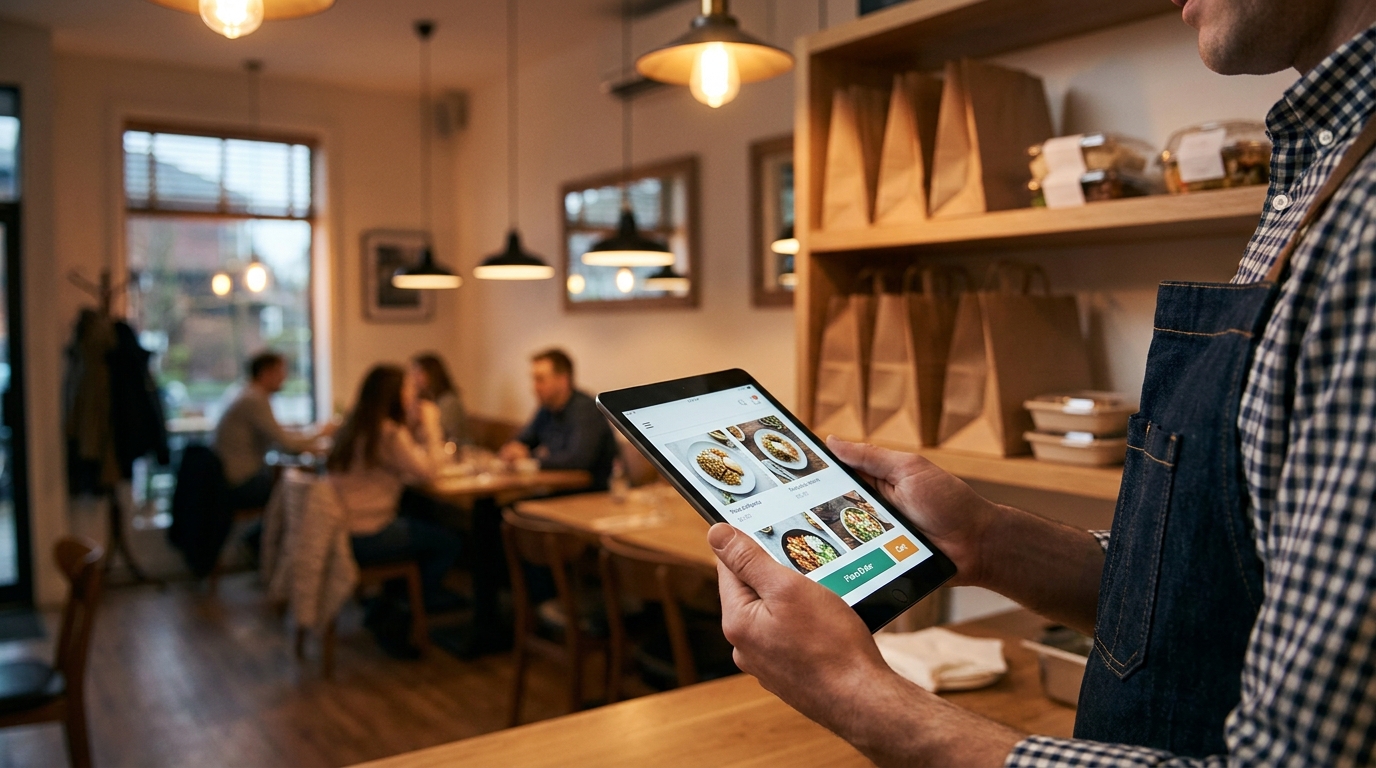
For most independent restaurants, online ordering stopped being optional a long time ago. Guests expect to tap a button, pay on their phone, and pick up dinner without a phone call. The hard part is not deciding whether to offer it. The hard part is setting it up without handing a quarter of every ticket to a marketplace or signing up for a $300 per month platform before your first order comes in.
This guide walks through the entire setup in plain language: the five moving parts every ordering system shares, how to choose between direct ordering and third-party apps, and eight practical steps that take you from an empty web page to your first direct order. We will also break down what each piece costs so you can budget with real numbers instead of sales pitches.
The Five Moving Parts of Online Ordering
Every ordering system, from a free widget bolted onto a Facebook page to an enterprise platform used by national chains, is built from the same five pieces:
| Component | What It Does | Where Owners Get Burned |
|---|---|---|
| Digital storefront | Your menu lives on a fast web page guests can browse | PDF menus that load slowly and never rank on Google |
| Cart and checkout | Guests build an order and pay on any phone | Forced account creation that kills conversion |
| Payment processing | Money lands in your bank account | Hidden guest fees or inflated per-order charges |
| Order routing | The kitchen gets a clean ticket instantly | Orders sitting in an email inbox nobody watches |
| Pickup and delivery | Food reaches the guest at the right time | Cold food and confused handoffs during a rush |
Get each piece right once and the system runs quietly in the background for years. Skip one and you will hear about it in one-star reviews.
Choose Your Ordering Model First
Before you touch menus or payment settings, decide where your orders should live. There are three common models:
1. Direct ordering on your own website. Guests order at yourrestaurant.com, you pay a flat software cost, and you keep the full ticket value along with the customer relationship.
2. Third-party marketplaces. DoorDash, Uber Eats, and Grubhub bring discovery and couriers, but they take 20% to 30% of every order and they own the customer data, not you.
3. A hybrid approach. You keep your listings on the apps for new customer discovery while your own website handles the orders you already earned.
Most profitable independents run the hybrid model. The apps act as paid advertising, and your website becomes the place where margins are protected. If you want the full commission math, we break down the numbers in our guide to direct ordering vs. third-party delivery.
| Model | Typical Cost | Customer Data | Best For |
|---|---|---|---|
| Direct on your website | $0 - $100 / mo flat | You own it | Protecting margin and repeat guests |
| Third-party apps only | 20% - 30% per order | The app owns it | Pure new-customer discovery |
| Hybrid | Both of the above | Mixed | Most independent restaurants |
The rest of this guide assumes you are building the direct channel on your own website, because that is the piece you control end to end.
Step 1: Put Your Menu on a Real Web Page
Online ordering rides on top of your website, so the foundation has to be solid. Your menu needs to be an actual web page with text, prices, and photos that load fast on a phone, not a PDF that guests have to pinch and zoom.
A useful restaurant website needs four things before ordering makes sense:
- A mobile-first menu page with real HTML text and clear pricing
- Hours, address, and phone number that tap to call or open Google Maps
- Fast load times on cellular data, not just on your shop wifi
- An obvious place for an order button on every page
If your restaurant still has no website (or a dead one a cousin built in 2015), start there. Our free restaurant website guide explains how to get a custom site without monthly fees. And if your menu currently lives in a PDF, read why PDF menus hurt your SEO before you build anything on top of it.
Step 2: Build a Menu That Orders Well on a Phone
A printed menu and a phone menu are different tools. Guests scrolling a 6 inch screen decide in seconds, so structure the digital version deliberately:
- Lead with best sellers and high-margin items. The first screen should show the dishes you want to sell, not a wall of appetizers.
- Keep categories short. Six to eight groups maximum. Guests abandon menus that take five swipes to reach the entrees.
- Photograph your top dishes. A few real, well-lit photos outperform a full gallery of stock images. Our food photography tips cover how to shoot them on a phone.
- Pre-build your modifiers. Sizes, sides, heat levels, and allergy notes should be one tap each, not a blank text box your staff has to decipher.
- Make 86ing instant. When the brisket runs out at 7 PM, you need to hide it from the menu in seconds, not call a support line.
Step 3: Pick Your Ordering Platform
This is the decision that determines your costs for years, so compare the four common options before committing:
| Platform Type | Examples | Typical Cost | The Catch |
|---|---|---|---|
| Free ordering widgets | GloriaFood | $0 software, guest-paid fees | Customers see a convenience fee at checkout and blame you |
| Flat-fee restaurant platforms | ChowNow, Menufy, Owner.com, Popmenu | Roughly $149 - $499 / mo | Honest pricing, but steep for an independent |
| POS add-on ordering | Square | Monthly fee plus processing | Ties your whole operation to one POS vendor |
| Commission-free direct ordering | SendFoodOrder | $30 / mo flat | No per-order commission and no guest fees |
Watch the "free" options closely. Widgets that charge nothing for software often add a 10% to 15% convenience fee onto your customer's bill at checkout. The guest sees the surcharge on a receipt that carries your name, and a noticeable share of them abandon the cart when it appears. Flat, transparent pricing on your side of the transaction converts better than a cheap system that taxes your guests.
Step 4: Set Up Payments and Checkout
Checkout is where order volume is won or lost. Four settings matter more than anything else:
- Keep the standard card processing costs in view. Most processors charge about 2.9% plus $0.30 per transaction. That is normal; what is not normal is a platform stacking its own fee on top and calling it free.
- Turn on Apple Pay and Google Pay. One-tap wallets convert dramatically better than a 12-field form on a phone.
- Never force an account. Guests ordering dinner at 6 PM will abandon a checkout that demands a password before they have even tried your food.
- Send instant confirmation. An email or text with the order total and an honest pickup time cuts "is my order ready?" phone calls to almost zero.
Set the pickup time estimate from real kitchen data, not optimism. Telling a guest 20 minutes when the kitchen needs 30 creates the exact bad experience ordering was supposed to avoid.
Step 5: Wire Up the Kitchen
Software does not cook food. The ordering channel only works if tickets reach your staff in a form they can act on:
- Route orders somewhere loud. A thermal printer or tablet with an audible alert on the line, never an email inbox or a manager's phone.
- Set prep times by daypart. Friday at 6:30 PM is not Tuesday at 2 PM. Adjust estimates per day of the week if your system allows it.
- Keep modifier tickets readable. "No onion, extra crispy, cut in half" belongs in bold at the top of the ticket, not buried in a paragraph.
- Create a handoff zone. A dedicated shelf for completed pickup orders with names attached saves staff from playing air traffic control during a rush.
- Plan for late guests. Decide in advance how long you hold food and who calls the customer when they do not show.
Step 6: Sort Out Pickup and Delivery Logistics
Pickup is easy to run and carries no extra cost, so make it the default path. Dedicate counter space during peak hours, and consider curbside if you have a visible parking spot: a guest who never leaves the car is a guest who never sees your dining room go empty on a slow night.
For delivery, you have two realistic paths:
- Your own driver makes sense in dense areas with steady volume. You control the experience, but you carry insurance, payroll, and scheduling.
- Delivery service providers like DoorDash Drive or Uber Direct courier your direct orders on demand, usually for a flat fee around $5 to $10 per delivery. The order still belongs to you: your menu prices, your customer data, your branding on the bag.
Keep your delivery radius modest, typically three to five miles. Food quality falls apart past that, and refunds cost more than the delivery ever earned.
Step 7: Launch It Everywhere
A working ordering page with no traffic is a lemonade stand on a dead street. On launch week, make the channel visible at every point where guests already touch your brand:
- Your website: the order button sits above the fold on every page, not buried under a photo collage.
- Google Business Profile: your profile links straight to the ordering page, which is where most "near me" searches start.
- In the dining room: table tents, receipts, and box stickers with a QR code that opens your direct menu.
- In third-party bags: a card in every marketplace order that says "order direct next time at yourrestaurant.com and save 10%." This single habit is how hybrid operators convert app customers into direct regulars.
- Email and social: announce the launch to your list and pin the link on every profile.
Step 8: Track Five Numbers Every Week
You cannot improve what you never measure. Five numbers on a simple weekly sheet tell you almost everything:
| Metric | What It Tells You |
|---|---|
| Orders per week | Whether the channel is growing at all |
| Average ticket | Whether guests bundle items or order single dishes |
| Repeat order rate | Whether marketing spend builds regulars or one-timers |
| Direct order share | The percentage of volume your website owns vs. the apps |
| Refunds and mistakes | Where the kitchen or the checkout is leaking |
Watch the direct order share most closely. Every point it climbs is commission you no longer pay. A healthy pattern for a takeout-heavy concept is a repeat rate climbing toward half of all orders, with direct share rising month over month.
What the Whole Setup Costs
Here are three realistic monthly budgets for an independent restaurant:
| Setup | Monthly Cost | What You Get |
|---|---|---|
| Lean direct setup | ~$30 + processing | Free custom website, flat-fee commission-free ordering, you keep every margin point |
| Mid-range DIY stack | $60 - $150 | Website builder subscription plus an ordering add-on, more time spent maintaining it yourself |
| Full restaurant SaaS | $180 - $500 | A platform bundle with marketing tools you may never use |
The lean setup wins on economics for most independents. Processing fees (about 2.9% plus $0.30) apply to every card transaction in every scenario; the difference is what the software charges you on top of them.
Five Setup Mistakes to Avoid
1. Launching on a PDF menu. It loads slowly, cannot be indexed by Google, and cannot host an order button.
2. Burying the order button. If guests have to scroll past your story to order, half of them never will.
3. Passing steep guest fees to customers. A 15% convenience fee at checkout reads as a hidden price increase, and guests abandon carts over it.
4. Routing orders to an unwatched inbox. If a ticket can be missed, it will be missed on your busiest Saturday.
5. Never converting marketplace customers. The apps find them once. A bag stuffer with a direct offer brings them home to your own channel.
How Free Restaurant Website Fits In
Everything in this guide assumes you start with a website you control, and that is exactly where most ordering platforms get expensive before you sell a single taco.
We built Free Restaurant Website to remove that first cost entirely. Here is the model:
- A 100% free, custom-built website with your real menu, photos, hours, and story, hosted and maintained at no charge.
- Optional direct online ordering through SendFoodOrder at a flat $30 per month (or $319 per year). Zero per-order commissions, standard card processing only, and the guest relationship stays yours.
- No contracts, no setup fees, no trial clocks. If you never want ordering, your website stays free forever.
If you are ready to take online orders without giving up a quarter of every ticket, get your free restaurant website and switch on direct ordering when it suits you.
Free Website Offer
Get a modern website for your restaurant with zero cost and no monthly fees
We design and host your menu, hours, and photos on a custom domain. Keep 100% of your food sales, with optional online ordering when you are ready.