Why PDF Menus Hurt Your Restaurant in Google Search
How mobile diners and search engine crawlers interact with PDF menus versus real HTML menus, and why it costs you customers and organic Google rankings.
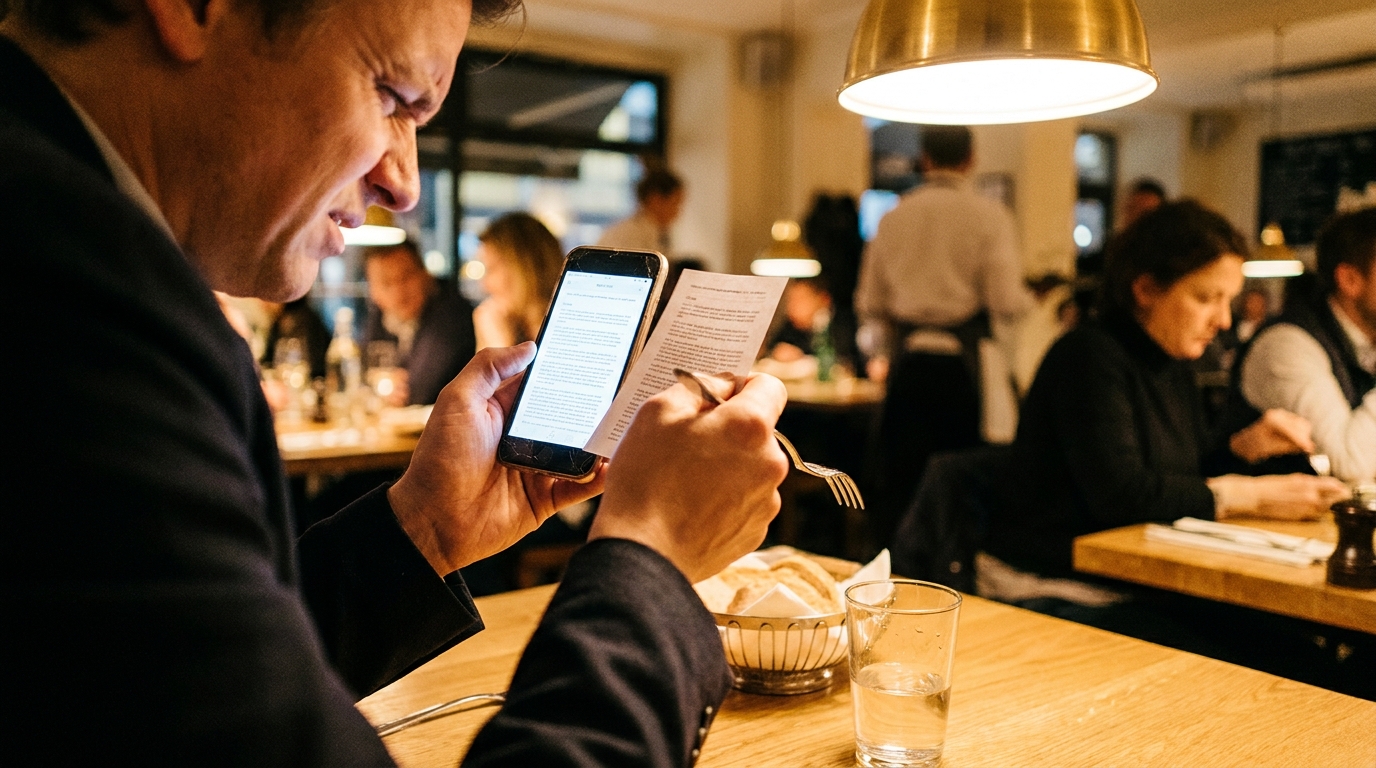
When hungry diners look for a place to eat on their phones, they want answers fast. They want to know what you serve, how much it costs, where you are located, and whether they can order right now.
For years, thousands of independent restaurants solved this by taking their printed paper menu, saving it as a PDF or taking a smartphone snapshot, and uploading that file directly to their website or Facebook page.
It feels like an easy shortcut. You already designed the paper menu for your dining room, so reusing that exact layout online avoids retyping dishes or paying a web designer.
In reality, relying on a PDF menu quietly sabotages your restaurant's digital presence. It hurts your visibility in Google search, drives mobile visitors away before they ever place an order, and hands high-intent local customers directly to your competitors.
Here is an honest breakdown of why PDF menus fail in modern search, how mobile diners actually interact with them, and what your restaurant should do instead.
---
The Mobile Nightmare: Pinch, Zoom, and Bounce
Over 70% of restaurant website traffic happens on smartphones. Diners frequently search while walking down the street, sitting in their cars, or trying to decide on dinner with friends.
When a visitor taps a menu link and their browser triggers a multi-megabyte PDF download, several things immediately go wrong:
1. Forced File Downloads: Instead of displaying an instant web page, mobile browsers often force the user to download the file into their phone storage. Diners do not want a 15MB file cluttering their camera roll or download folder just to check the price of chicken parmigiana.
2. Fixed Desktop Dimensions: PDFs are built with rigid dimensions meant for print (such as 8.5" x 11" or 11" x 17"). When viewed on a 6-inch smartphone screen, an entire dinner menu shrinks down to microscopic, unreadable text.
3. Pinch-and-Zoom Frustration: Diners must pinch, zoom in, and pan horizontally across columns just to read a single entree description. If they pan too far to the right, they lose track of the price column.
4. Poor Contrast and Slow Loading: Many uploaded PDFs are scanned physical flyers or high-resolution print files designed with 300 DPI graphics. On cellular data, these files load slowly. If your menu takes more than three or four seconds to render, mobile diners hit the back button and pick the next restaurant on the map.
In web analytics, when visitors land on your site and leave immediately without taking action, that is called a "bounce." High bounce rates send a clear signal to search engines that your page failed to provide what the searcher needed.
---
How Google Treats PDF Menus vs. Native HTML
A common myth among restaurant owners is that because Google can index text inside standard PDFs, an uploaded PDF is just as good for search engine optimization (SEO) as a web page.
While search crawlers can technically extract raw text from clean, vector-based PDF files, a PDF lacks the architectural foundation that modern search engines require to understand local restaurant intent.
1. Zero Schema Structured Data
Google relies heavily on Schema.org structured data (specifically Menu, MenuItem, MenuSection, and Restaurant schema) to interpret your culinary offerings.
When your menu is built with semantic HTML and schema markup, search crawlers can explicitly identify:
- Which text is a category ("Appetizers", "Wood-Fired Pizzas")
- Which item is an individual dish ("Margherita Pizza")
- The exact price, currency, and dietary flags (such as gluten-free, vegan, or nut-free)
A PDF is essentially a flat document stream. Google cannot reliably parse prices associated with specific items or extract structured attributes. As a result, your restaurant misses out on rich search snippets, Google Maps menu badges, and conversational AI answers.
2. Failure on Long-Tail Dish Searches
Potential guests rarely search solely for generic terms like "restaurant near me." They search for specific cravings:
- "best birria tacos near me"
- "gluten free pasta downtown"
- "authentic pad thai delivery"
When your menu lives on an HTML page, every individual dish title, ingredient list, and culinary style becomes crawlable, contextual body text. If you serve a legendary slow-cooked short rib, an HTML menu helps Google connect your exact page to hungry local searchers looking for short ribs.
With a PDF, individual dishes get buried inside a monolithic document. Search engines cannot easily attribute relevance to a single section of a giant PDF file, so third-party portals (Yelp, DoorDash) or competitors with real web menus capture those rankings instead.
3. Missing Open Graph and Social Sharing Signals
When customers love a specific dish or want to share your menu in a group chat, they copy the URL.
An HTML menu page displays an attractive preview card on iMessage, WhatsApp, or Facebook, showing your restaurant name, a photo of your food, and a clean description. A direct PDF link usually displays an ugly generic file icon or an unformatted document thumbnail.
---
Comparison: PDF Menu vs. Responsive Web Menu
| Feature / Metric | Uploaded PDF Menu | Responsive HTML Menu |
|---|---|---|
| Mobile Experience | Pinch-and-zoom required; frustrating navigation | Adapts smoothly to any phone, tablet, or laptop |
| Loading Speed | Often 5MB to 20MB; slow on mobile networks | Lightweight (< 50KB code); loads almost instantly |
| Google Indexing | Raw text extraction only; no rich formatting | Full indexing of dishes, sections, and descriptions |
| Schema Markup | Not supported | Full Menu and MenuItem microdata support |
| Accessibility (ADA) | Rarely compliant with screen readers | Easily navigable by screen readers and assistive tech |
| Direct Ordering | Static text; cannot click to order or add to cart | One-tap buttons to place pickup or delivery orders |
| Search Queries | Ranks poorly for specific dish searches | Captures long-tail dish cravings and local searches |
---
The Hidden Cost: Handing 30% of Your Revenue to Delivery Apps
When an independent restaurant does not provide a fast, easy-to-read menu on its own website, diners turn to the platforms that do: DoorDash, Uber Eats, Grubhub, and Yelp.
These third-party platforms invest millions of dollars into ensuring every menu item is cleanly categorized, searchable, and one-tap orderable. When Google sees that your official website only offers a clunky PDF, it frequently ranks third-party directory listings above your own site.
What happens next?
- The customer clicks the DoorDash or Uber Eats link because they know the menu will load cleanly on their phone.
- The customer orders their meal through the third-party app.
- Your kitchen prepares the food, but the third-party app deducts a 20% to 30% commission from your ticket.
By relying on a PDF menu, you inadvertently train your most loyal guests to order through intermediaries that eat away your profit margins.
---
What About ADA Accessibility?
Digital accessibility is no longer optional for small business owners. Under Title III of the Americans with Disabilities Act (ADA), businesses open to the public must ensure their digital services are accessible to individuals with disabilities.
Standard PDF menus created from desktop design software or scanned flyers are notoriously inaccessible:
- Visually impaired guests using screen reading software cannot parse multi-column PDF layouts easily.
- Scanned image PDFs are completely unreadable by screen readers because the file contains images of letters rather than real text.
- Text contrast ratios on decorative print menus rarely pass Web Content Accessibility Guidelines (WCAG).
A native HTML menu follows web accessibility standards out of the box, allowing screen readers to announce headings, dish descriptions, and prices in proper order.
---
How to Fix Your Menu: A Step-by-Step Transition
Switching from a PDF menu to a modern, search-friendly web menu does not require learning web design or spending thousands of dollars on agency retainers.
Step 1: Transcribe Your Dishes into Structured Text
Gather your current paper menu and organize it into clear categories:
- Appetizers / Starters
- Entrees / Mains
- Sides & Extras
- Desserts & Drinks
Make sure each item has a clean name, an enticing description highlighting key ingredients, and an accurate price.
Step 2: Publish Your Menu in Clean, Responsive HTML
Avoid website builders that hide menu items inside complicated nested tabs or unindexable image carousels. Your menu should live as clear, readable text directly on your domain (such as yourrestaurant.com/menu).
If you offer seasonal specials or frequent price updates, ensure your system allows you to make quick text edits in seconds from your phone or laptop without having to re-export a graphic document.
Step 3: Add Clear Actions and Direct Ordering
Every menu item should make it easy for the diner to take the next step. If you offer takeout or catering, include clear buttons to start an online order directly through your own platform rather than pushing guests to third-party marketplaces.
---
Get a Custom, Mobile-Friendly Restaurant Website for Free
If formatting a mobile menu and setting up web hosting feels overwhelming, you do not have to tackle it alone.
At Free Restaurant Website, we build 100% free, custom, modern websites for independent restaurants.
Here is what we do for you:
- We Turn Your Menu into Real HTML: Send us your current paper menu, PDF, or photos, and our team converts it into a fast, mobile-first web menu that looks fantastic on every device.
- Built-in Local SEO & Schema: We structure your site code with Google-compliant schema markup so search engines can read your dishes, hours, and location.
- Zero Hosting Fees or Platform Ads: We host your website and connect your custom domain completely free. No watermarks, no hidden fees, and no expiring trials.
- Commission-Free Online Ordering (Optional): If you ever want to accept direct pickup and delivery orders without paying 30% aggregator commissions, you can turn on our direct ordering platform, SendFoodOrder. If not, your website remains completely free forever.
Stop losing mobile diners to unreadable PDFs. Claim your free restaurant website today.
Free Website Offer
Get a modern website for your restaurant with zero cost and no monthly fees
We design and host your menu, hours, and photos on a custom domain. Keep 100% of your food sales, with optional online ordering when you are ready.