Menu Engineering: Design a Menu That Sells More Food
Menu engineering explained: classify dishes as stars, plowhorses, puzzles, and dogs, then use layout, pricing, and descriptions to sell more of your most profitable food.
Most restaurant menus are written, not designed. The owner picks the dishes, sets prices that feel fair, and moves on. Then the kitchen wonders why the $9 pasta outsells the $24 short rib that took three days to braise.
The answer is almost never the food. It is the menu.
Menu engineering is the practice of deliberately arranging dishes and prices so your most profitable items sell more, without customers feeling steered. It is one of the highest-return, lowest-cost changes a restaurant can make, and it takes an afternoon to start.
What Menu Engineering Actually Is
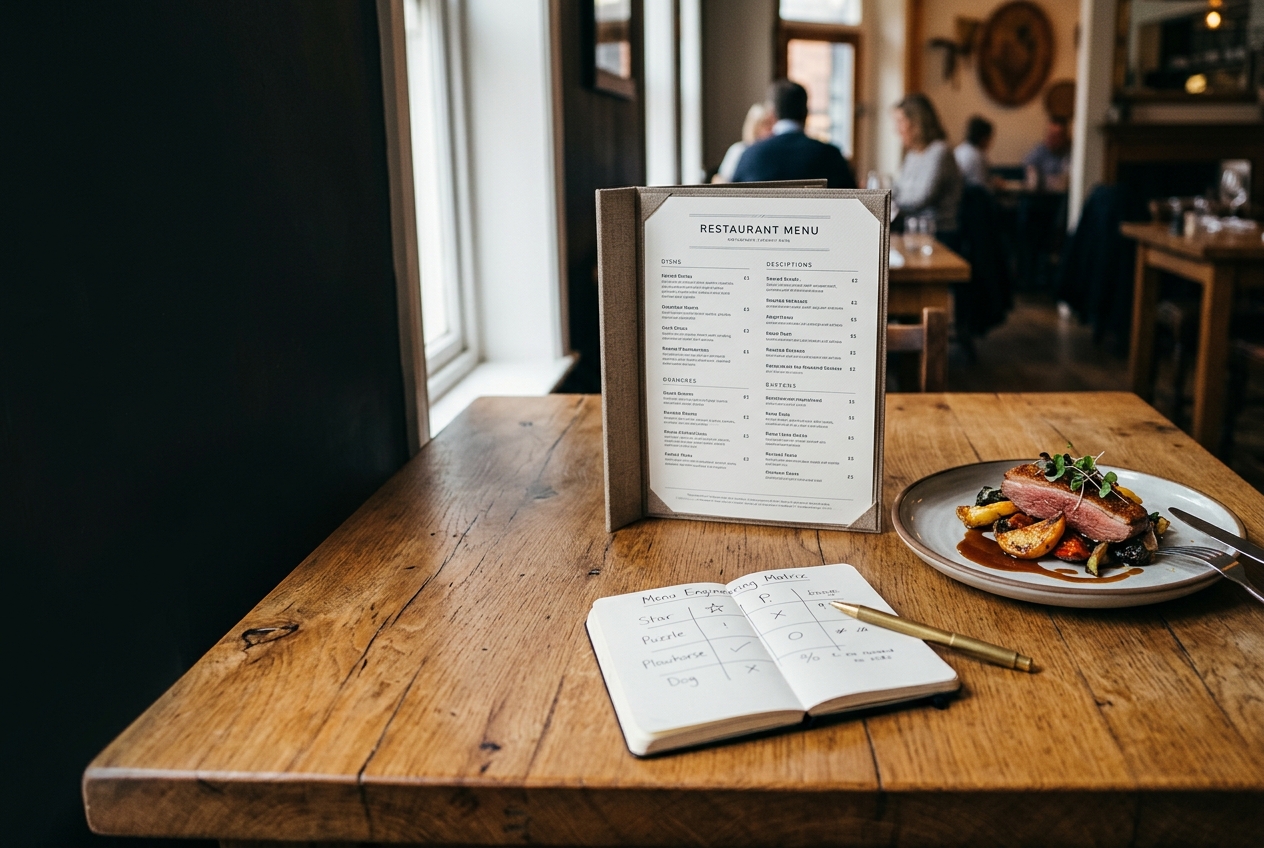
Menu engineering classifies every dish on two axes: profitability (contribution margin, not price) and popularity (how many you sell relative to the mix). Plot them against each other and every dish lands in one of four buckets:
- Stars - high profit, high popularity. Your best dishes. Feature these.
- Plowhorses - low profit, high popularity. Guests love them, but they earn too little. Re-engineer cost or price.
- Puzzles - high profit, low popularity. Profitable but ignored. Reposition or rename them.
- Dogs - low profit, low popularity. Cut them.
The insight is that "popular" and "profitable" are different questions, and the dishes that win on one usually lose on the other. The whole job is to move items toward Star.
Step 1: Calculate Contribution Margin, Not Markup
Profit is what is left after food cost, not the gap between cost and price.
For each dish:
Contribution margin = menu price − food cost
A $16 burger with a $6 food cost contributes $10. A $9 salad with a $2 cost contributes $7. The burger looks modest next to the salad's markup, but it earns more actual dollars per sale. Menu engineering runs on dollars, so the burger is your better engine.
Pull food costs for every dish, then rank them by contribution margin.
Step 2: Measure Real Popularity
Popularity is not gut feel. Use your POS sales mix over a full period, ideally 4 to 12 weeks, to smooth out one-off nights.
A common benchmark: a dish is "popular" if it sells at least 70% of what a perfectly even distribution would predict. If you have 40 dishes, the average share is 2.5%; a popular dish sells at or above roughly 1.75% of covers. The exact threshold matters less than sorting your menu honestly and consistently.
Then place each dish:
| High popularity | Low popularity | |
|---|---|---|
| High profit | Star | Puzzle |
| Low profit | Plowhorse | Dog |
Step 3: Act on Each Category
Stars: Do not touch the recipe. Protect them. Give them prime menu real estate, a short appetite-driven description, and consider a photo for the single best one. These are the dishes that carry the restaurant.
Plowhorses: Popular but under-earning. Three levers, in order of least customer resistance:
1. Trim food cost (portion accuracy, cheaper supplier, substitute one ingredient).
2. Add a high-margin upsell (the burger earns more with a $3 bacon add-on).
3. Raise the price a little, in one step, and watch volume.
Puzzles: Profitable but ignored, usually because of name or placement. Rename them to be concrete ("Charred Citrus Chicken" beats "House Chicken"), move them into the sightline, and have servers mention them. If sales stay flat after two menu cycles, they are Dogs in disguise.
Dogs: Cut them. Every Dog costs you prep labor, storage, and menu clutter that slows guests down. Removing five Dogs often speeds ticket times and lifts Star sales.
The Psychology That Does the Heavy Lifting
Layout and language do more work than most owners expect.
- The golden triangle. Guests scan the center of the menu first, then the top-right, then the top-left. Put Stars in those zones.
- Kill the dollar signs. Prices without "$" symbols outsell prices with them, and guests spend slightly more.
- Anchor with one high-price item. A $48 dish makes the $26 entree look like a value. You do not need to sell many of the anchor.
- Drop the price column. Prices lined up in a neat right-hand column invite comparison shopping. Place prices at the end of the description instead.
- Use taste words, not adjectives. "Slow-roasted," "crispy," "charred" move dishes. "Delicious" and "fresh" do nothing; guests assume those anyway.
- Describe with sensory specificity. A line about smoke, citrus, and crunch sells more than a list of ingredients.
- Limit pages. A menu that takes five minutes to read costs you orders. Short menus raise average margins and lower food waste.
Pricing Tactics That Do Not Backfire
- Price at .95, not .99, on some items. Both work; variety can reduce the sense that everything is a gimmick.
- Bundle the margin. A combo that pairs a Star with a Puzzle moves the Puzzle without discounting the Star.
- Raise prices in one step, not three. Slow nibbling trains guests to notice; one clean adjustment mostly goes unremarked.
- Do not discount Stars. You are already selling them. Discount the Puzzles or Plowhorses if you discount at all.
A Practical Menu Rewrite in One Afternoon
1. Export sales mix by item from your POS for the last 8 weeks.
2. Enter food cost per dish.
3. Compute contribution margin and popularity for every item.
4. Sort each into Star, Plowhorse, Puzzle, or Dog.
5. Cut the Dogs. Re-engineer the Plowhorses. Reposition the Puzzles. Protect the Stars.
6. Rebuild the layout so Stars sit in the golden triangle, with an anchor item near the top.
7. Rewrite descriptions with taste words.
8. Run it for 4 to 6 weeks, then re-measure. Menu engineering is a loop, not a one-time edit.
Why This Matters More Online Than Ever
Your menu is no longer just paper. It is the page guests read on their phone before they decide to come in, and it is the checkout screen when they order online.
That changes the stakes:
- A slow, hard-to-read digital menu loses the order before food cost ever matters.
- A PDF menu hides your prices from Google and from guests scanning on mobile; a real web menu gets indexed and read.
- Your online ordering checkout is where upsells live, so the same Star/Plowhorse logic applies to add-ons and combos at checkout.
If your menu is a PDF, fix that first. It is the cheapest margin improvement available, and it compounds with everything above.
Where We Fit In
We build and host fast, modern restaurant websites at no cost, with real web menus that are easy to read and easy to update, plus SendFoodOrder for commission-free online ordering when you are ready.
If you want to go deeper, see how to photograph dishes that actually sell, why PDF menus hurt your search visibility, and what a restaurant website really costs.
Ready for a menu that earns its keep?
Free Website Offer
Get a modern website for your restaurant with zero cost and no monthly fees
We design and host your menu, hours, and photos on a custom domain. Keep 100% of your food sales, with optional online ordering when you are ready.